Free tools
Create and send professional invoices
Docusign Invoice Generator lets you build and send a free, detailed, and polished invoice in minutes. You can format documents, make calculations, export or send invoices, and even collect payments – all on one platform.
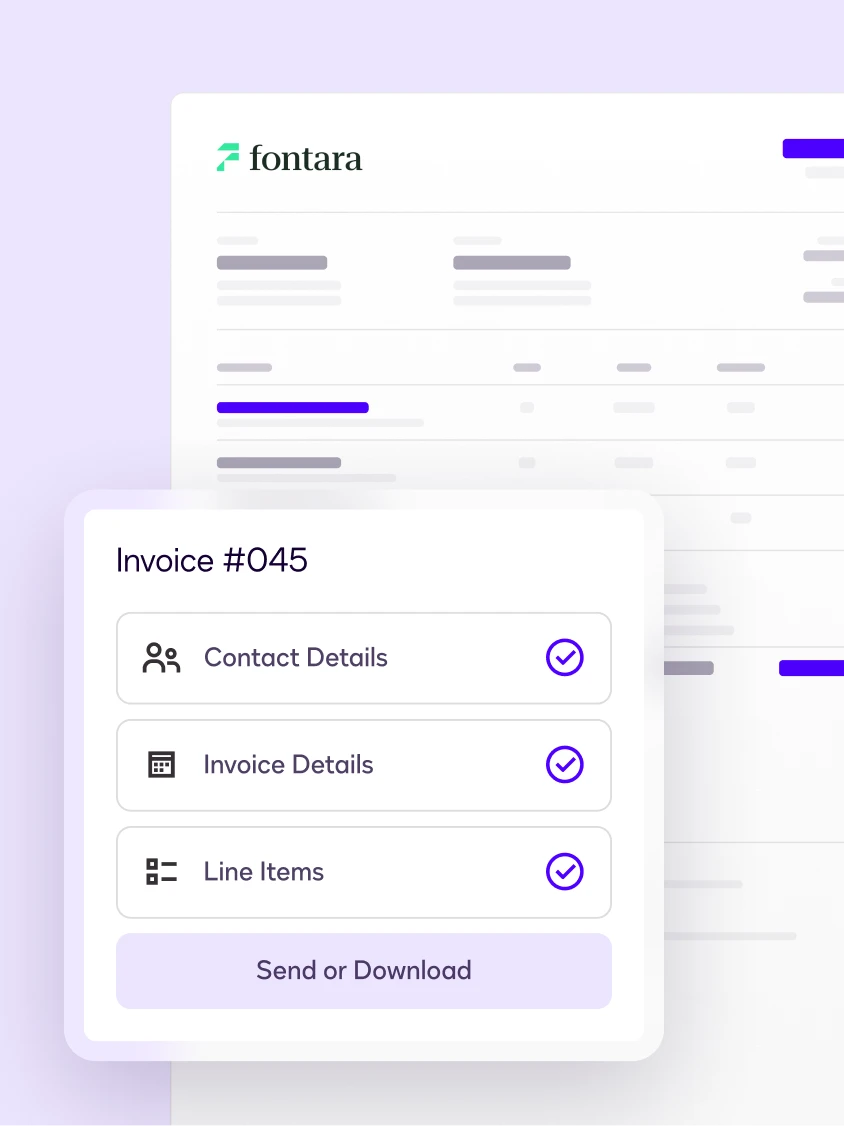
How to create a free invoice online
Create a professional invoice in four steps with our free Docusign Invoice Generator. No cost. No software to install. Get started right now.
Step 1: Enter your business and client details
In the form, fill in your business name, contact information, and your client's details. Add line items for each product or service and the tool will calculate subtotals, taxes, and totals automatically.
Step 2: Customize your invoice
Establish trust and ensure clarity with your customers by customizing your template with your logo, set payment terms, add a due date, and add notes or special instructions.
Step 3: Download your free invoice as a PDF
Sign up for a free Docusign account to quickly generate a polished, print-ready PDF copy of your invoice. Save it to your device and email it to your client when you are ready.
Step 4: Send your invoice with Docusign
Ready to do more than download? With Docusign, you can send your invoice directly for electronic signature, track when your client opens it, and add a payment link. This quickly turns a simple PDF into a trackable, signable agreement.
Invoice tips and best practices
 Always include clear payment terms
Reduce back and forth by specifying when a payment is due and setting clear expectations from the start.
 Be specific with your line items
Break down your work into individual items with descriptions, quantities, and rates. Your clients appreciate the transparency and detailed invoices get paid faster.
 Number your invoices consistently
Keep your records organized and make tax season less stressful by always using a consistent, sequential numbering system for your invoices.


Invoice FAQs
An invoice generator is a digital tool that allows businesses, freelancers, and contractors to create professional, customized invoices instantly. Docusign’s free invoice generator automates calculations and formats billing details into a secure, downloadable PDF.
Not to start. You can generate and preview an invoice without an account. However, to download or send an invoice you will need an account, which is free to sign up for.
Yes, invoices created with Docusign’s Invoice Generator are professional business invoices that you can use to bill your customers. However, invoice requirements may vary depending on your jurisdiction, industry, or tax obligations. You are responsible for ensuring your invoice includes any information required by applicable law.
When you need a client to formally sign off on an invoice, proposal, or agreement, Docusign eSignature makes it simple. You can send documents for legally binding electronic signatures in minutes, subject to applicable law and the parties’ agreement to conduct transactions electronically.
Docusign takes the security and privacy of your information seriously. Your information is protected by the same commitment to data security that more than a billion people around the world rely on.
You can customize your invoice. You can add your own logo, set payment terms, add a due date, and include notes or special instructions to make sure it reflects your business and is not just a generic invoice.
An estimate outlines the expected price of goods or services before the customer commits or the work is completed. It helps the customer review anticipated costs but is not normally a request for payment.
An invoice is issued when payment is due and lists the final amount the customer owes.
A pro forma invoice is a preliminary invoice issued by a seller to a buyer before goods are delivered or services are rendered. It outlines the expected products or services, pricing, and other transaction details, but it is not a request for payment or a final invoice.
Pro forma invoices are commonly used to provide pricing information in advance, facilitate budgeting and approvals, and support international transactions, including customs and import documentation where applicable.
We do. Use Docusign's free Signature Generator to draw, type, and download your personalized signature. No watermarks, no sign-up required.
A complete invoice should list your business name and contact details, your client's name and contact details, an itemized breakdown of the products or services provided (with quantity, rate, and amount), the subtotal, any taxes or discounts, and the total amount due. Add clear payment terms, a due date, and accepted payment methods so your client knows exactly how and when to pay.
Docusign Invoice Generator provides fields for each of these elements and automatically calculates subtotals, taxes, and totals as you go, so nothing gets missed.
Docusign Invoice Generator creates individual invoices one at a time. For clients you bill on a repeating basis, you can reuse the same details and branding to produce each new invoice quickly rather than starting from scratch.
If you want to automate repeat billing, Docusign offers other tools within paid plans. Docusign Payments lets you securely save a signer's payment method for future or recurring charges and track those payments through your connected payment gateway. For high-volume, fully automated invoice generation, Docusign Gen for Salesforce can create invoices automatically from your existing data.
With Invoice Generator, you can send your finished invoice through Docusign for electronic signature and see when your client opens it.
To collect and track payment in the same workflow, you can add a payment link to the invoice and use Docusign Payments within one of the eSignature plans, to collect payment as part of the signing experience and record it in the agreement's audit trail.
Invoice Generator calculates subtotals, taxes, and totals automatically as you add line items, so you don't have to do the math by hand. Each line item includes a discount column, letting you apply a discount to individual products or services. To add shipping, enter it as its own line item with a description and amount, and it will be included in the calculated total. You can also use the notes field to explain any tax, discount, or shipping details to your client.
To create an invoice online with Invoice Generator, follow four steps: (1) enter your business and client details along with your line items; (2) customize the invoice with your logo, payment terms, due dates, and any notes; (3) download it as a polished, print-ready PDF; and (4) send it through Docusign for electronic signature and payment collection. This process is outlined in more detail further down on this page.
Docusign Invoice Generator is safe to use. The information you enter is used exclusively to generate your invoice, and Docusign does not store, sell, or use it for any other purpose.
An online invoice generator is a web-based tool that lets you build a professional invoice by filling in a template instead of formatting a document yourself. You enter your business details, your client's details, and an itemized list of what you're charging for, and the tool automatically calculates subtotals, taxes, and the total amount due. With Invoice Generator, you can then customize the invoice with your logo and payment terms, download it as a print-ready PDF, and send it directly for electronic signature all in one place.
The best online invoice generator for a small business is one that is free, easy to use, and connects the invoicing and payment process. Docusign Invoice Generator lets you create a detailed, polished invoice in minutes for free with automatic tax and total calculations and a print-ready PDF export option.
To create your first invoice, use Docusign Invoice Generator. Start by adding your name or business name and contact details, then your client's details, a unique invoice number, and the invoice date. List each product or service you're billing for with its quantity and rate, and the Docusign Invoice Generator will calculate the subtotal, taxes, and total for you. Add your payment terms and a due date, customize the invoice with your logo, then download it as a PDF or send it through Docusign for signature and payment. The tool guides you through each field, so your first invoice looks professional even if you've never made one before.


Signature gives you all you need to keep your business moving
Free invoicing is a great starting point. Once you need to collect signatures, automate your document workflows, or manage your important business documents in one place, your eSignature account will be able to grow with you.
Ready to send your invoice with Docusign?

-
Disclaimer: These templates are provided for informational purposes only and do not constitute legal advice. They are not intended to address the regulatory, legal, privacy, tax, or other requirements applicable to your specific circumstances. Docusign makes no representation or warranty that the templates comply with any applicable laws, regulations, or industry standards. The templates are not a substitute for professional legal counsel and should not be relied upon as such. You should consult with a qualified attorney licensed in your jurisdiction before using or adapting these templates.
The templates are provided on an "AS IS,” “WITH ALL FAULTS,” AND “AS AVAILABLE” basis. To the fullest extent permitted by law, Docusign disclaims all warranties of any kind, whether express, implied, statutory, or otherwise, including but not limited to any warranties of merchantability, fitness for a particular purpose, non-infringement, accuracy, completeness, or reliability.
Docusign does not warrant that the templates are suitable for any particular use or that they will meet your legal, regulatory, or business requirements. You are responsible for ensuring that any invoice or other document generated using these templates complies with applicable laws, tax requirements, and industry standards in your jurisdiction.