Generate your digital signature online in seconds
Use Docusign's free online signature maker to draw, type, and download your personalized signature for contracts, PDFs, emails, and more. No watermarks, no sign-up required.
Draw your signature here
Signature preview
Contract Preview
Signature
Frequently asked questions
Everything you need to know about creating signatures
A signature generator is an online tool that lets you draw or type your personal digital signature and download it for use in documents and emails.
Yes, this tool is free and works in your browser with no download or signup required.
Yes, you can draw your signature using a mouse, touchscreen, or stylus directly within the tool.
Yes, once downloaded, you can insert the signature into PDFs, Word files, and other document formats.
Signatures created here are ideal for personal use and document signing visuals. For legally binding electronic signatures with audit trails and advanced features, explore Docusign e-signature paid plans here.
You can download your signature as an image in both PNG and JPG formats. PNG files are best when you need transparency—perfect for overlaying your signature on documents without a background. JPG files offer smaller file sizes and universal compatibility, making them ideal for email attachments and situations where storage space matters. Both formats work seamlessly across different platforms and applications.
No, the generator creates the signature client-side, and nothing is stored on servers unless you choose to open and save it in your Docusign account.
Yes, you can choose different styles, fonts, and colors before downloading.
No, tool use is free without an account. But signing up for a Docusign account lets you save and reuse your signatures.
After downloading, you can upload or insert your signature image into email settings or document templates.
Beyond Signature Generator, Docusign offers a free Invoice Generator that lets you build a professional invoice in minutes. You can also browse Docusign's library of free, customizable templates for contracts, agreements, and forms, from NDAs and W-9s to invoices and loan agreements. And when you're ready to send documents for a legally binding electronic signature, you can start a free trial to sign, send, and track agreements.
Where can you use your digital signature?
Your signature belongs on documents that matter. Use it across everyday paperwork and business-critical agreements where digital signatures are accepted.
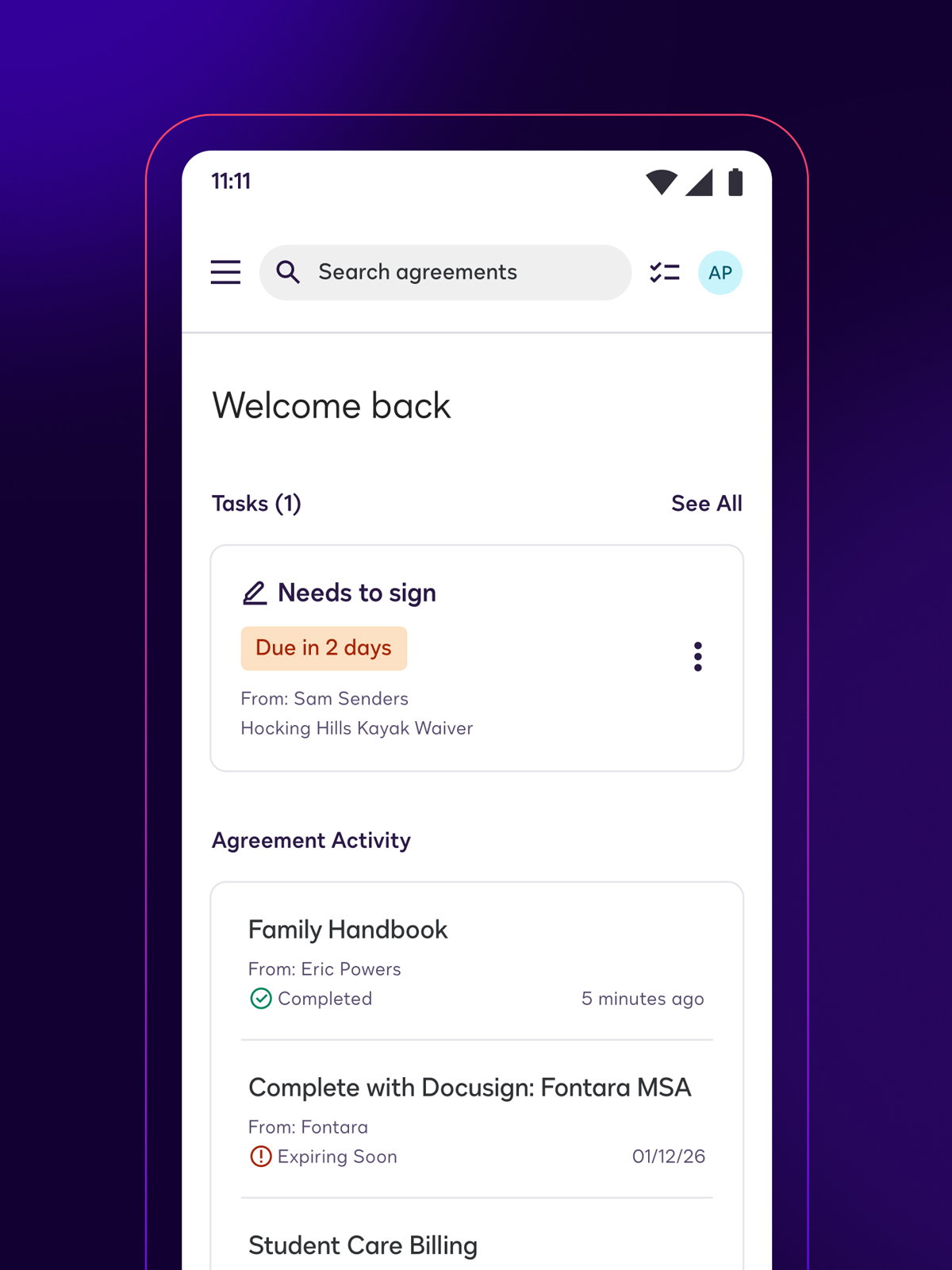
Steps for using Docusign eSignature
With Docusign eSignature, you can create a personal signature and use it wherever digital signatures are accepted. Sign rental forms, school permission slips, freelance invoices, and more—no printers or scanners needed.
Create your signature
Type, draw, or upload an image of your signature once and save it for reuse on any personal agreement
Sign and return
Open the agreement sent to you, apply your signature, and finish in a few clicks—from your phone, tablet, or laptop
Send a document or invoice to someone else
Upload your file or create a free invoice, add signature and date fields, and send it to a friend, landlord, or service provider
Keep your records
Track status, get notifications, and store completed agreements in your account
Ready to sign?
Send your forms and agreements for signature, track progress in real time, and get legally binding signatures in minutes—not days.
Try for Free