Docusign eSignature
The #1 way to send and e-sign documents online
Make your business faster, simpler and more cost-efficient with electronic signatures. As Europe’s most trusted and productive agreement platform, Docusign is compliant by design and accelerated by secure AI. Agree with confidence through intuitive signing experiences across virtually any device, from mobile to desktop.

What is an electronic signature?
An electronic signature (or e-signature) is a legally binding way to sign documents online from any device. Docusign eSignature helps organisations sign agreements securely while meeting relevant electronic signature regulations, including European eIDAS.
See eSignature in action
Learn how to set up and send agreements for signature and see how your recipients can easily esign them.
Docusign eSignature by the numbers
How can your team save time and money by using eSignature? Sign online documents to streamline your workflows.
Docusign supports all levels of signatures defined by eIDAS for legal compliance
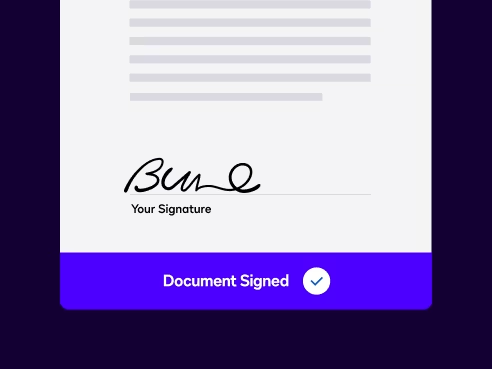 Electronic Signature
Docusign eSignature is trusted by hundreds of millions of users worldwide, including over 40,000 customers in the UK, and meets electronic signature regulations, including the European & UK eIDAS regulations. With security and compliance built into the platform, you can sign and manage agreements with confidence.
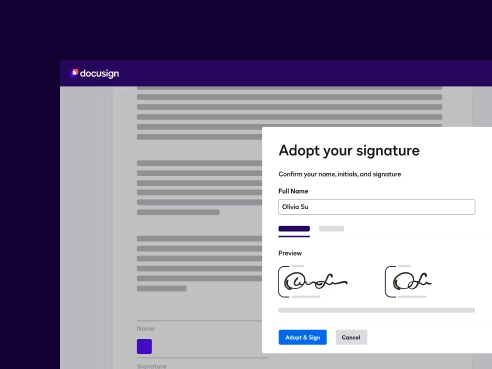 Advanced Electronic Signature
Add Docusign ID Verification to your electronic signature process to validate signer identity and support Digital Signature requirements for stricter identity assurance.
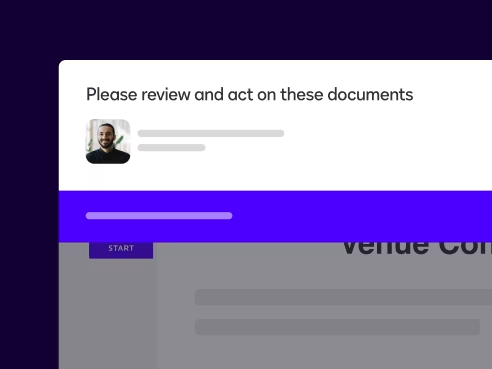 Qualified Electronic Signature
A QES is the legal equivalent of handwritten signatures with special legal status in the EU and UK. Meet QES standards by combining eSignature with our QES offerings.


Take a guided tour of Docusign eSignature
Learn how to set up and send agreements for signature and see how your recipients can easily esign them.
Improve customer experience and boost efficiency and security
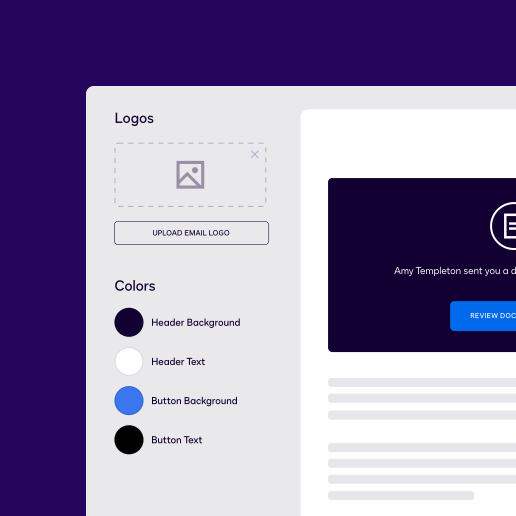
Custom branding and responsive signing
Elevate your agreements with a professional look that reflects your company identity. Add your logo and colour theme to create intuitive signing experiences across virtually any device. Your customers can easily navigate the signature line on contracts with responsive design that adapts to mobile, tablet or desktop. Docusign helps keep agreements secure throughout the signing experience.
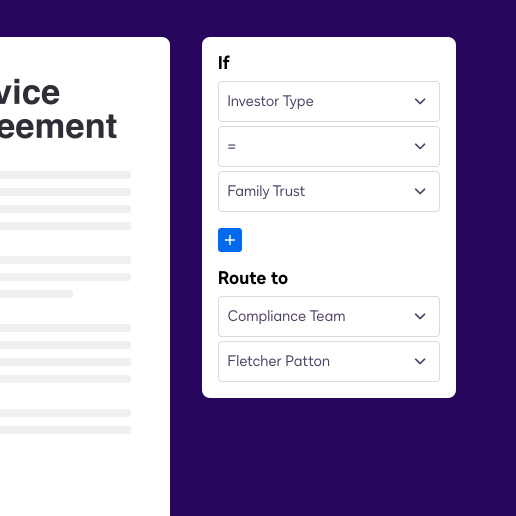
Dynamic document generation
Transform your contract creation process with powerful document automation. Our AI-assisted tools take the manual work out of agreement preparation, and shared templates and collaborative commenting streamline teamwork. And take advantage of configurable workflows to tackle your trickiest agreement challenges.
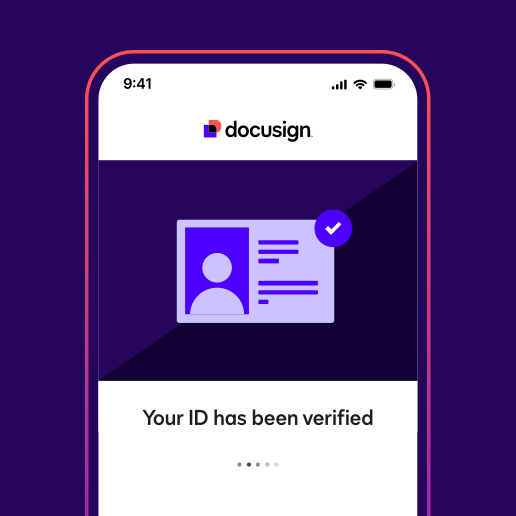
Enhanced signer identification
Protect your agreements with advanced identity verification that meets ESIGN Act requirements. Verify signer identity through government-issued documents, biometric checks, bank-based login and unique access codes, all within an integrated, intuitive, mobile-first experience that maintains security without sacrificing user experience.

Connect with all of the tools you already use
Easily integrate your agreements with your favourite apps through Docusign’s 1,000+ pre-built integrations. Connect seamlessly with Salesforce, Microsoft, Google Drive, Stripe, HubSpot and SharePoint to automate workflows. All while maintaining the security, UK GDPR compliance and European data protection standards needed to manage your agreements with confidence.
Just wanting to sign?
Create a free Docusign account to securely upload, sign and return documents digitally. Even those received as email attachments.

Create a signature in seconds: quick walkthrough
Register for a free trial and sign in. Choose to draw your signature using a trackpad, stylus or upload a scanned image. Create your unique signature in seconds.
Insert signature in PDF
Upload your PDF document, click "Sign or get signatures" and select "Start". Drag and drop your signature onto the document and click "Finish".
How organisations use eSignature
Nearly 1.9 million customers, including over 40,000 in the UK, use Docusign to securely manage agreements.
Explore More Stories Read the Full StoryVirgin Money delivers smarter digital experiences with Docusign eSignature
- ↑exponential growth around usage of DocuSign eSignature
- >>more timely and smarter solutions to its customers.
 Read the Full StoryLambeth Council boosts efficiency at critical time with Docusign eSignature
- 90%reduction in paper
- +1300%increase in Docusign usage by the council
 Read the Full StoryWaystone safeguards customer confidence using Docusign eSignature for Salesforce

- ↑exponential growth around usage of DocuSign eSignature
- >>more timely and smarter solutions to its customers.
- ↑exponential growth around usage of DocuSign eSignature
- >>more timely and smarter solutions to its customers.


Extend the power of eSignature for contract signing
Docusign regularly releases new innovations to help your organisation enable better ways of working. Here are a few notable innovations.
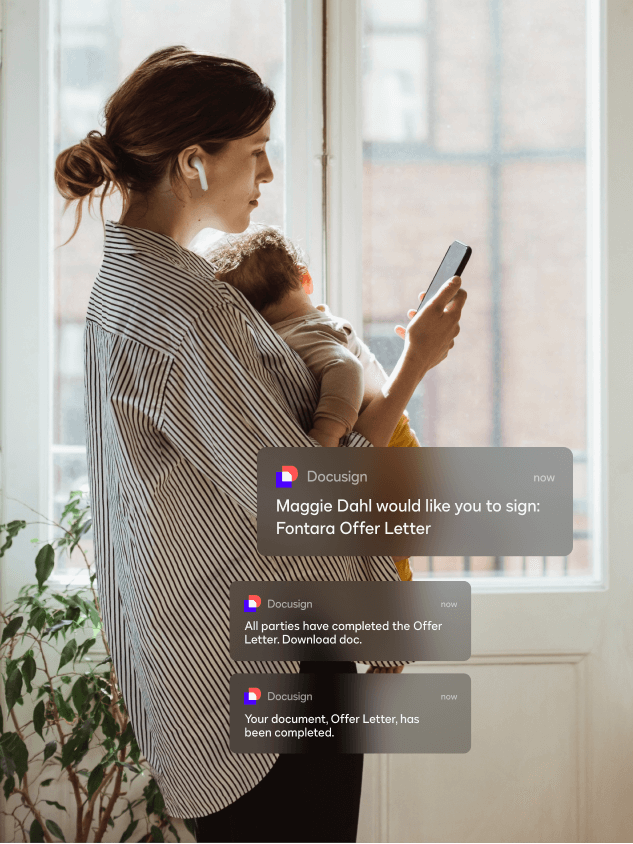
SMS and WhatsApp delivery
Accelerate agreement completion with real-time notifications sent directly to signers' mobile devices.
Learn moreMonitor
Safeguard agreements with round-the-clock activity tracking and advanced threat detection capabilities.
Learn moreWeb Forms
Create dynamic, mobile-friendly forms that streamline data collection and accelerate signing processes.
Learn more
Recommended plans for you
Securely create, send and sign agreements by starting an eSignature plan today.
Personal
- 5 agreement sends per month
- Reusable templates
- 900+ integrations
Standard
- Scheduled sending
- Collaborative commenting
- Customisable branding
Electronic signature guides and resources
Explore our essential guides to get the most from your esign experience with these informative resources.


Go beyond eSignature. Manage your entire contract lifecycle with confidence.
FAQs
Signing documents online with Docusign takes just a few clicks. Open the email containing your document link, click to access it, and you'll be guided through the signing process without needing to create an account.
If this is your first time signing, you can adopt a signature by selecting from pre-formatted styles, drawing your own with your mouse or finger, or uploading an image of your handwritten signature. Click each signature field in the document, add your details where required, then select "Finish" to complete the process.
Your signed document is automatically sent to all relevant parties and stored securely for future access, helping keep your agreements protected throughout the signing process.An electronic signature is a digital alternative to a handwritten signature that can verify your identity and secure online documents. It's legally recognised in the UK and EU under eIDAS regulations and allows you to sign documents remotely without paper processes. The UK eIDAS Regulations provide for three levels of electronic signatures: Simple Electronic Signature (SES), Advanced Electronic Signature (AES) and Qualified Electronic Signature (QES). Docusign supports these signature levels to help organisations meet their legal and compliance requirements.
Electronic signatures streamline your business operations with faster document completion, enhanced security and significant cost savings. With Docusign, organisations can move agreements forward efficiently while maintaining the security, UK GDPR compliance and control needed to protect important business documents and data.
Creating an electronic signature with Docusign is quick and straightforward. Simply log in to your eSignature account, select 'Manage Profile', click the 'Signatures' tab and select 'Add New' to create your personalised electronic signature that you can use across all your documents.
A digital signature is a type of electronic signature generated using a digital certificate. A digital signature helps securely associate a signer with a specific document. Digital signatures create a digital “fingerprint” that can be used to validate the signer’s identity and demonstrate that the signed document has not been tampered with. This provides an additional layer of security and helps organisations maintain confidence in the integrity of their agreements.
Digital signatures provide enhanced security through encryption and authentication. When you receive a document to digitally sign, click the email link to open it in Docusign eSignature.
Depending on the type of digital signature, you may be required to verify your identity before accessing the document.
You'll then be prompted to agree to electronic signing, then follow the on-screen instructions marked "Start" or "Sign". Create your digital signature by choosing from three options: type your name and select a font style, draw your signature using your mouse or touchscreen, or upload an image of your handwritten signature.
After placing your signature in the designated fields and completing any required information, click "Finish" to apply your encrypted digital signature to the document.The terms “electronic signature” and “digital signature” are often used interchangeably, but they are not the same thing. For the vast majority of agreements and records in the UK, an electronic signature is sufficient. A digital signature is a subset of electronic signature that adds another layer of security to a signed document.
A digital signature is supported with a digital certificate and uses Public Key Infrastructure (PKI), which adds proof of signer identity and enhanced security to a legally enforceable signature. Depending on your requirements, different levels of electronic signature can provide the appropriate balance of convenience, security and assurance for your agreements.Yes, e-signatures are legally recognised around the world. In the UK, (amended form of the EU eIDAS Regulation) electronic signatures have been legally recognised under English law since 2002. And despite Brexit, they are also covered by the EU’s eIDAS regulation that was introduced in 2016. The creation of eIDAS helped eliminate ambiguity around the legal value of an electronic signature in the EU, allowing electronic signatures to be admitted in court as evidence and confirming that they cannot be denied legal effect because they are in electronic form. Many foreign jurisdictions also recognise the legal effect and admissibility of electronic records, such as the U.S. ESIGN Act and UETA. An electronic signature, like those supported by Docusign eSignature, is typically all that is needed to create a legally enforceable document. There are laws that demand certain requirements for e-signatures to be deemed legally enforceable. Using a safe, secure service like Docusign eSignature can help you meet these requirements. Read more about the legality of electronic signatures.
Obtain Simple Electronic Signatures for free, or contact a local expert for Digital Signature solutions
Start e-signing today.
